Audit Logs
Audit logs provide a record of all important activities performed in Satama. These logs help administrators track user actions and investigate security incidents.
Audit logs typically record actions such as:
- User login attempts
- Image push or pull operations
- Project creation or deletion
- Permission changes
- Configuration updates
Viewing Audit Logs
- Log in to Satama Web UI.
- Click on Logs
You can also check project wise logs by:
- Click on your project.
- Open Log tab.
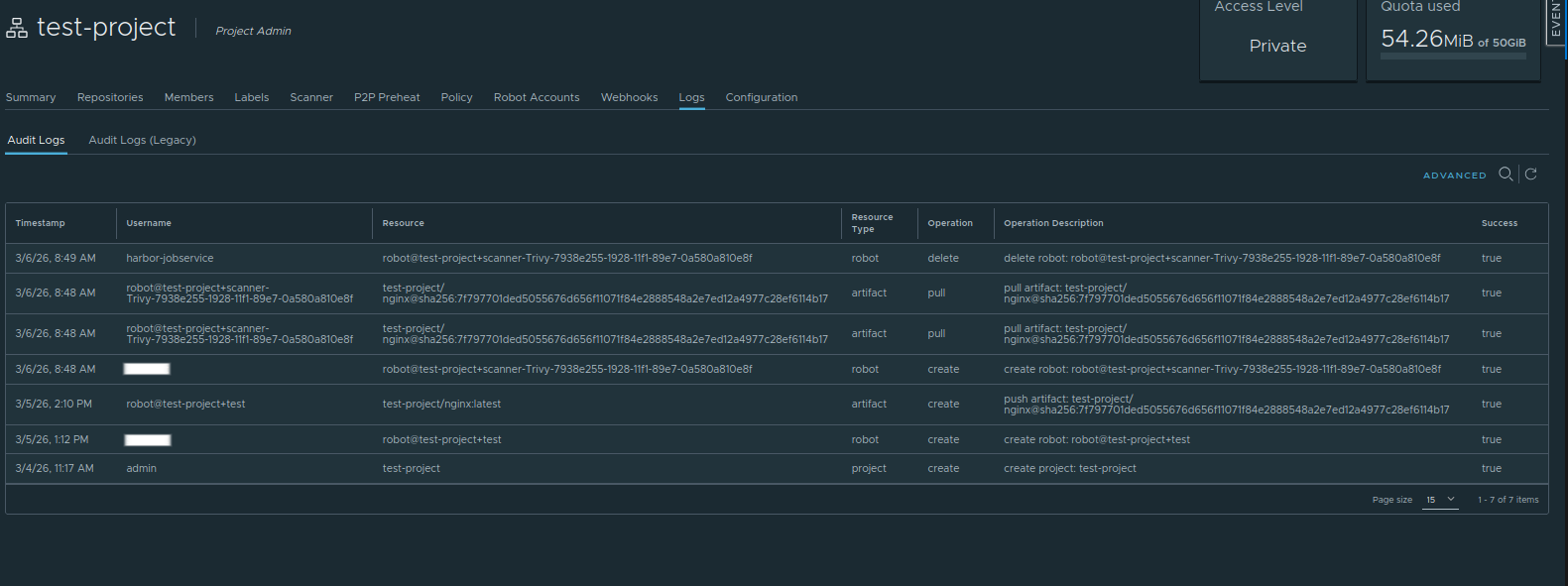
Here, you can see all logs. Admin can review these logs to monitor system usage and detect suspicious activity.
Audit logs are important for:
- Security monitoring
- Compliance requirements
- Troubleshooting issues
- User activity tracking