Moving files using the HPC web interfaces
Note
Uploaded files will overwrite existing files with the same name without prompting. Currently, the maximum size for individual file uploads is 10 GB.
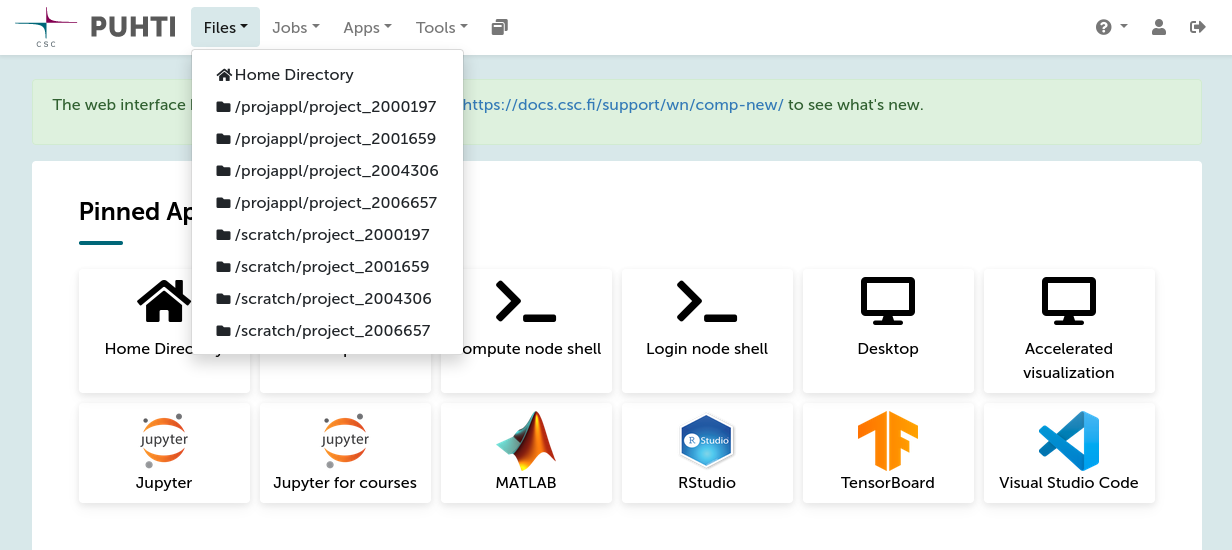
Files can be uploaded and downloaded to/from CSC supercomputers using the file browser functionality of Roihu and LUMI web interfaces. The file browser can be opened from the Files menu in the top navigation bar. This displays a list of all project disk areas you have access to (example below).
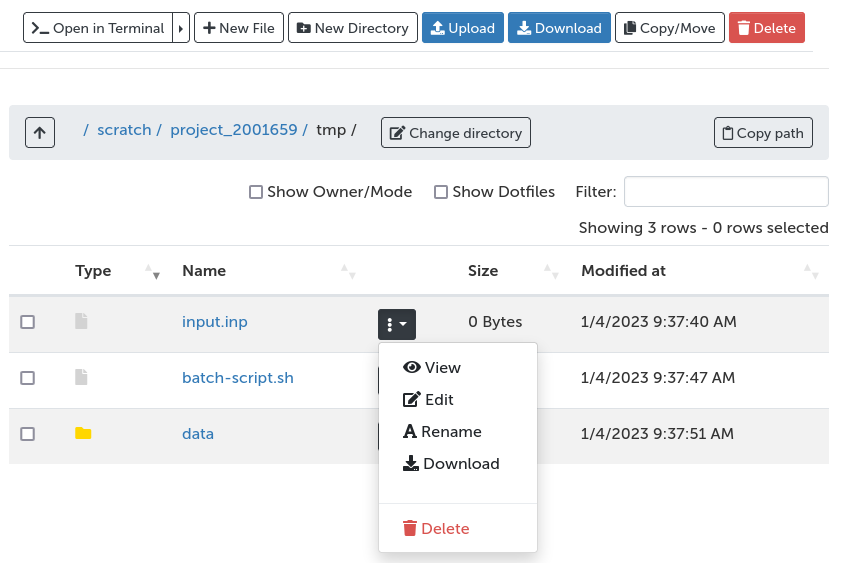
In the file browser you can:
- Upload files (drag&drop or by browsing your local folders)
- Download files
- Manage files on the supercomputer (copy/move/edit/delete)
- Create new files/directories
- Open a command-line shell in the current directory