Volume snapshot
Volume snapshot provisioning
Rahti offers two methods for provisioning snapshots: through the web interface and by using the CLI.
Prerequisites
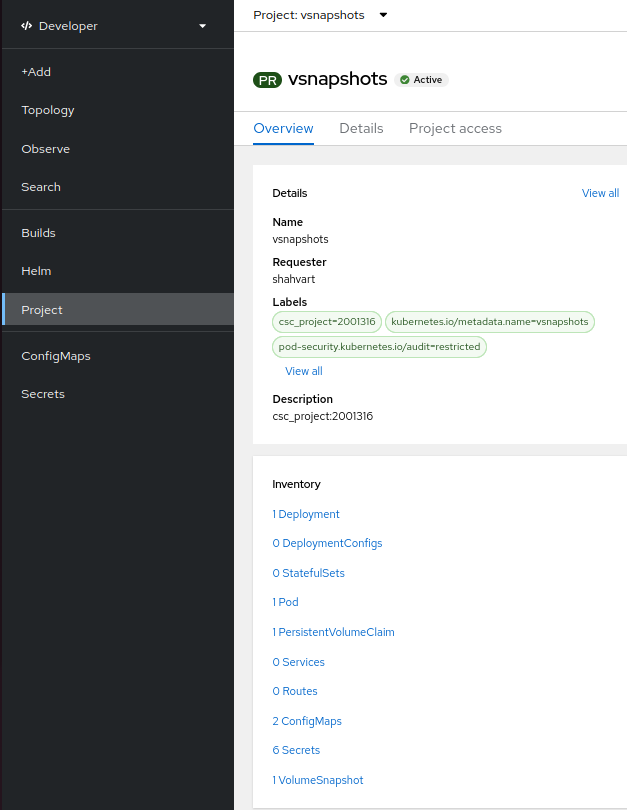
- An active project in Rahti.
- No Pods are using the PersistentVolumeClaim (PVC) that you want to take a snapshot of.
Procedure
- Create a PVC.
- Create a deployment.
- Mount the PVC to the deployment (in Rahti, the underlying volume is provisioned only after the PVC has been mounted to a deployment).
- Unmount the PVC from the deployment (Scale the deployment to 0 replica).
- Create a volume snapshot that uses the PVC as its source.
Using the web interface
After making sure that the PVC is not attached to any Pod, navigate to the VolumeSnapshots section in the Storage dropdown list of the left-hand menu and click Create VolumeSnapshot to create a snapshot of your PVC.
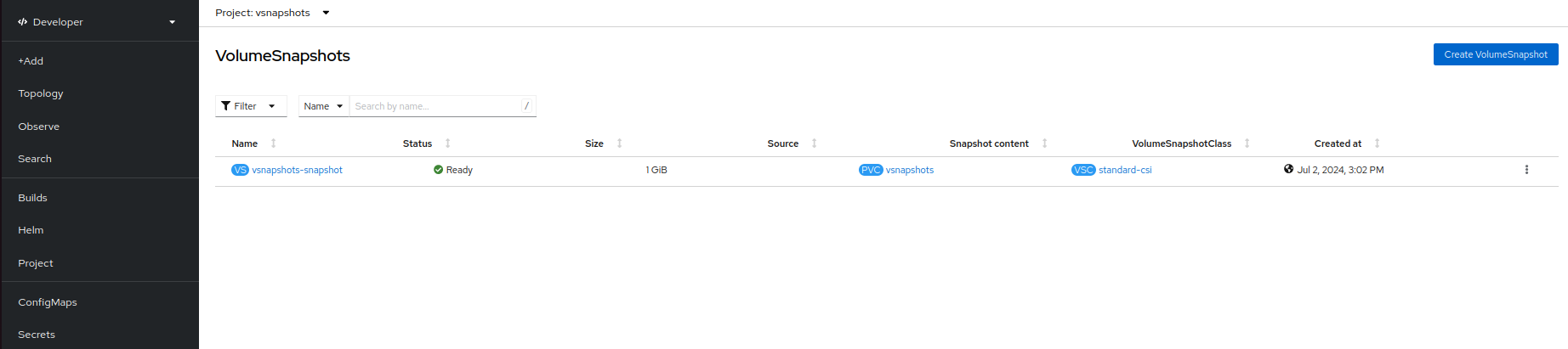
Fill in the required details: in PersistentVolumeClaim, select the PVC you want to take a snapshot of, provide a Name for the volume snapshot, select the default snapshot class standard-csi, and click Create.
Using the CLI
Create a snapshot.yaml file that references the PVC as the source of the volume snapshot:
apiVersion: snapshot.storage.k8s.io/v1
kind: VolumeSnapshot
metadata:
  name: <name_of_volumesnapshot>
spec:
  source:
    persistentVolumeClaimName: <name_of_PVC>
  volumeSnapshotClassName: standard-csi
Run the following command to create the volume snapshot:
To list all the volume snapshots, use the command:
To get the details of the volume snapshot that was created, enter the following command:
Delete the volume snapshot by entering the following command:
Restore a volume snapshot
The CSI Snapshot Controller Operator provides the snapshot custom resource definitions (CRDs) in the snapshot.storage.k8s.io/v1 API group. The content of a VolumeSnapshot can be used to restore an existing volume to a previous state. To do so, create a pvc-restore.yaml file:
apiVersion: v1
kind: PersistentVolumeClaim
metadata:
  name: myclaim-restore
spec:
  storageClassName: standard-csi
  dataSource:
    name: <name-of-snapshot>
    kind: VolumeSnapshot
    apiGroup: snapshot.storage.k8s.io
  accessModes:
    - ReadWriteOnce
  resources:
    requests:
      storage: 1Gi
Run the following command to create the restored PVC:
In spec.dataSource.name, give the name of the snapshot to use as the source. The requested storage must be at least as large as the volume the snapshot was taken from.
Use case
In this example, we take a snapshot of the content of an nginx deployment and restore that content into a new deployment. Follow these steps:
-
Create an
nginxdeployment in a file namednginx-deployment.yaml. The deployment mounts the PVC from the next step at the directorynginxserves its content from:apiVersion: apps/v1 kind: Deployment metadata: name: nginx spec: replicas: 1 selector: matchLabels: app: nginx template: metadata: labels: app: nginx spec: containers: - name: nginx # Runs as an arbitrary user ID, as Rahti requires. image: nginxinc/nginx-unprivileged:latest ports: - containerPort: 8080 volumeMounts: - name: content mountPath: /usr/share/nginx/html volumes: - name: content persistentVolumeClaim: claimName: nginx-pvc -
Create a PVC in a file named
nginx-pvc.yaml:apiVersion: v1 kind: PersistentVolumeClaim metadata: name: nginx-pvc spec: storageClassName: standard-csi accessModes: - ReadWriteOnce resources: requests: storage: 1GiApply both files:
-
Open a shell in the Pod created for this deployment, create a file named
test.txt, and add some static content to it. This content is stored on the PVC created earlier. -
Save the snapshot definition in a file named
nginx-snapshot.yaml. This file should reference the PVC used bynginx(as specified innginx-pvc.yaml). A snapshot can only be taken when no Pod is using the PVC, so scale the deployment down first:apiVersion: snapshot.storage.k8s.io/v1 kind: VolumeSnapshot metadata: name: nginx-snapshot spec: source: persistentVolumeClaimName: nginx-pvc volumeSnapshotClassName: standard-csiWait until the snapshot reports
READYTOUSE: truebefore you continue: -
Delete the PVC.
-
Create a new PVC from the snapshot by saving the new PVC configuration in
nginx-restore-pvc.yaml. This file should specify that the data source is the snapshot created in the previous step. -
Deploy a new instance of
nginxusing the restored PVC with a modified deployment configuration saved innginx-restored-deployment.yaml. This new deployment uses the PVC created from the snapshot, which allows it to serve the previously added static content.apiVersion: apps/v1 kind: Deployment metadata: name: nginx-restored spec: replicas: 1 selector: matchLabels: app: nginx-restored template: metadata: labels: app: nginx-restored spec: containers: - name: nginx image: nginxinc/nginx-unprivileged:latest ports: - containerPort: 8080 volumeMounts: - name: content mountPath: /usr/share/nginx/html volumes: - name: content # The only change: the PVC restored from the snapshot. persistentVolumeClaim: claimName: nginx-restore-pvc -
You can see that the data is restored.