Using the web interface
In Rahti, you run all applications inside projects. Any logged-in user can create a project. Each project has its own private network and is separate from other projects. You can only see the projects you created or that someone shared with you. All your containers, volumes, and other resources live inside a project.
After your access is approved, it may take a while before you can log in.
You can run applications in two ways:
- Pick a ready-made application from
Ecosystem->Software Catalogafter you create a project. - Build your own from the core objects described in the Kubernetes and OKD concepts page.
Log in
-
Go to https://console.rahti.csc.fi/.
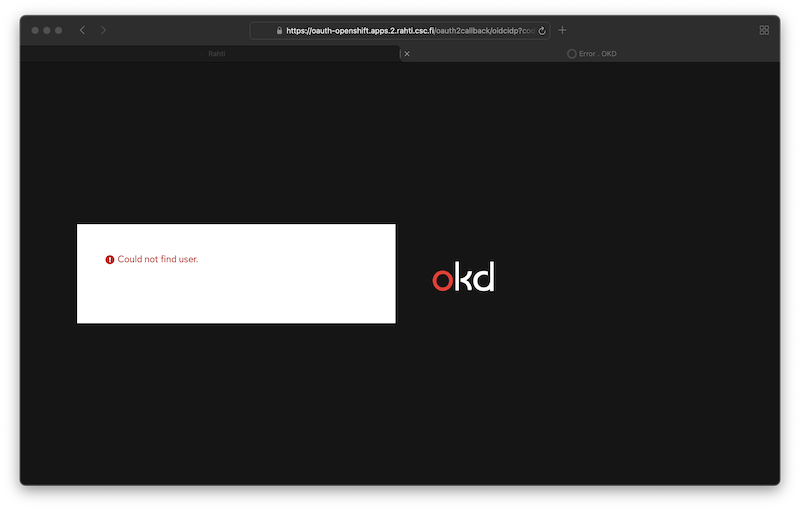
User not found
If you see an error like this, read the Getting access page.
-
Click the Login page button.
[MFA required] Since November 25th 2025
Multi Factor Authentication (MFA) is required when login. For more information, visit the Multi-Factor Authentication (MFA) Guide
-
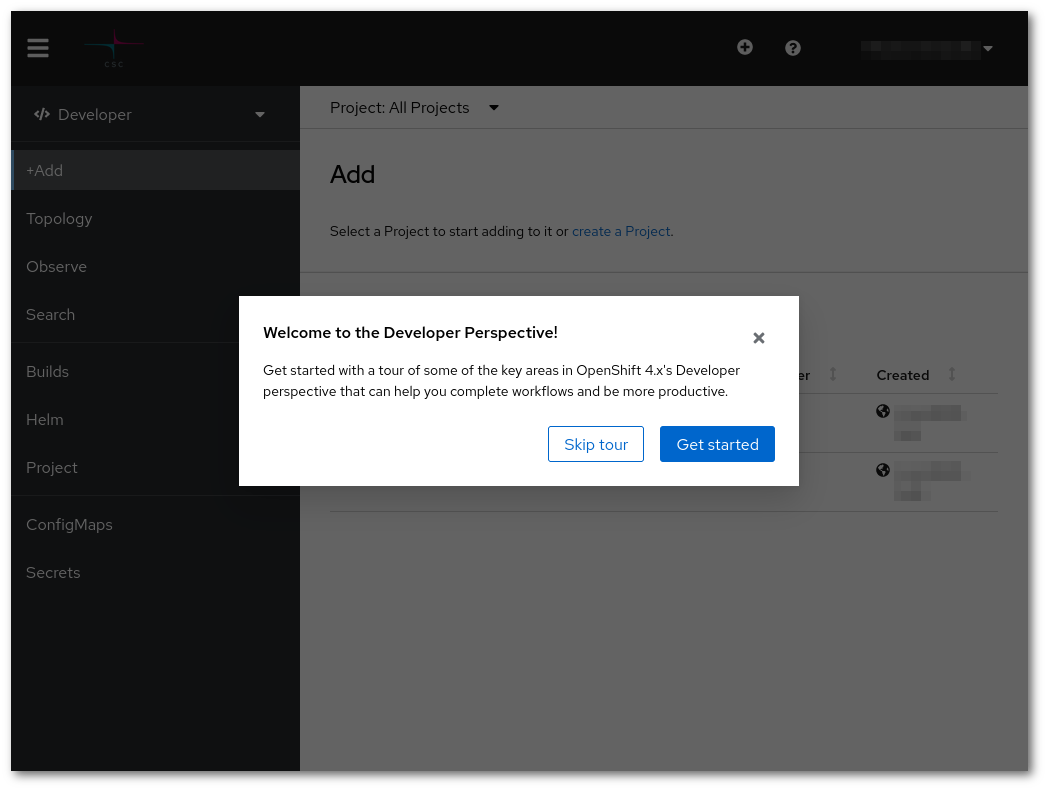
After logging in you should see a page like this:
-
Next, create a project to run your applications.