Rahti catalog
Rahti offers an out-of-the-box catalog of applications and application components (such as databases). In addition, CSC adds a selected group of applications to the catalog. These applications are provided "as is": we follow the updates provided by Red Hat, the upstream provider, but we cannot proactively update them ourselves. If you need help deploying a newer version of an application, please contact the Service Desk at servicedesk@csc.fi. Each request is handled individually.
Software Catalog legacy items
The Software Catalog contains different types of items with different support levels:
- Templates are legacy (non-Source-to-Image) application templates and are deprecated. They no longer receive updates and should not be used for new deployments.
- Builder Images use Source-to-Image (S2I). They are still available, but planned for removal in a future Rahti version.
- Helm Charts are the recommended and supported way to deploy applications on Rahti.
For new projects, always prefer Helm Charts or externally maintained container images.
For more information, you can access the official GitHub repository for the default OpenShift Helm Charts.
Regarding templates, you can find the GitHub repository here: OpenShift default templates.
You can also take a look at the Red Hat Ecosystem Catalog. This catalog contains the latest image releases, and it provides instructions on how to import the images into your namespace/Rahti project.
How to access the catalog using the web UI
Rahti Helm Charts
Since 29 September 2025, Bitnami has changed its policy regarding its catalog. Read more here
- Current images have been moved to the Bitnami Legacy Repository and is no longer updated.
- Some images are available in the Bitnami Secure Images but only with the latest tag.
- To continue receiving images with the latest updates and access to different tags, you need to subscribe to the full version of Bitnami Secure Images.
Some of our Helm Charts use Bitnami images. We migrated most of the important images to the CSC Container Registry Satama.
Be mindful when deploying these charts in your production environment.
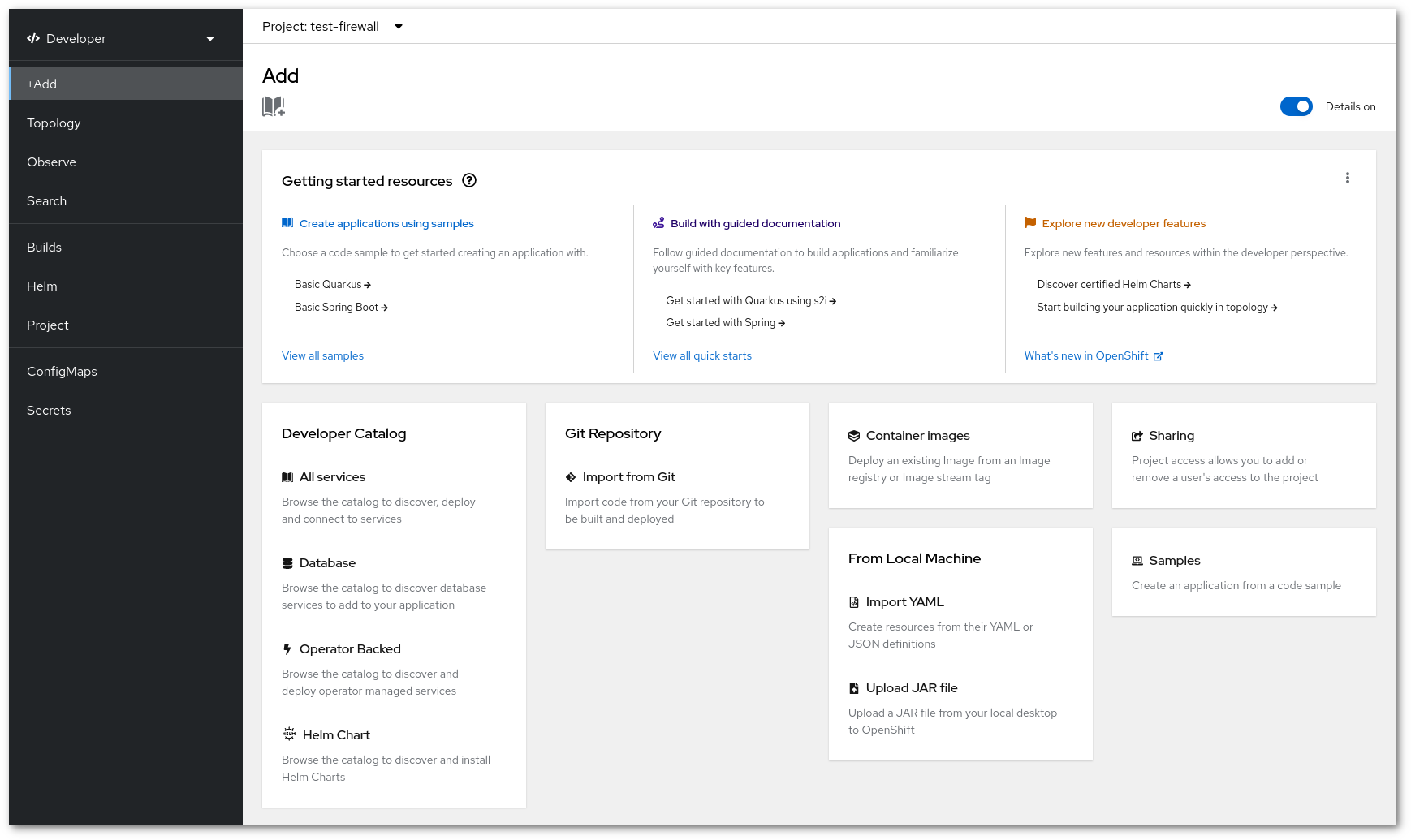
You can browse the catalog from the web interface by (1) logging in to Rahti and then (2) clicking on Ecosystem -> Software Catalog.
Items labeled Templates or Builder Images are legacy. Helm Charts are recommended for new deployments.