Using the web interface
All applications launched in OpenShift run within projects that can be created by any authenticated user. Each project has its own private virtual network and it is isolated from other projects. Users can only see projects they have created themselves or that have been shared with them. Any containers, volumes and other resources created by users are always created within a project. You might need to wait a few hours after your access application is accepted, before you can authenticate to Rahti.
You can either select applications to run from Ecosystem -> Software Catalog after creating a project or launch any applications using the
primitives described in the background chapter.
-
Log in at https://rahti.csc.fi/.
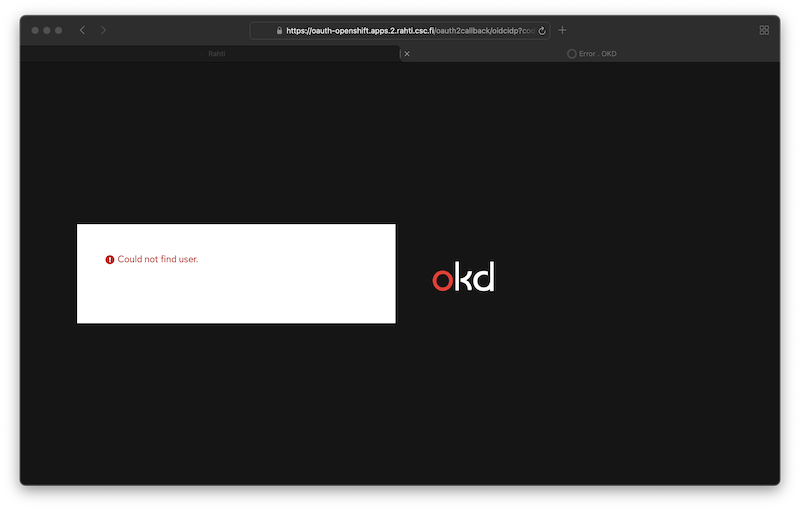
User not found
If you get an error message similar to this please read through the article Getting access.
-
Click the 'Login page' button.
[MFA required] Since November 25th 2025
Multi Factor Authentication (MFA) is required when login. For more information, visit the Multi-Factor Authentication (MFA) Guide
-
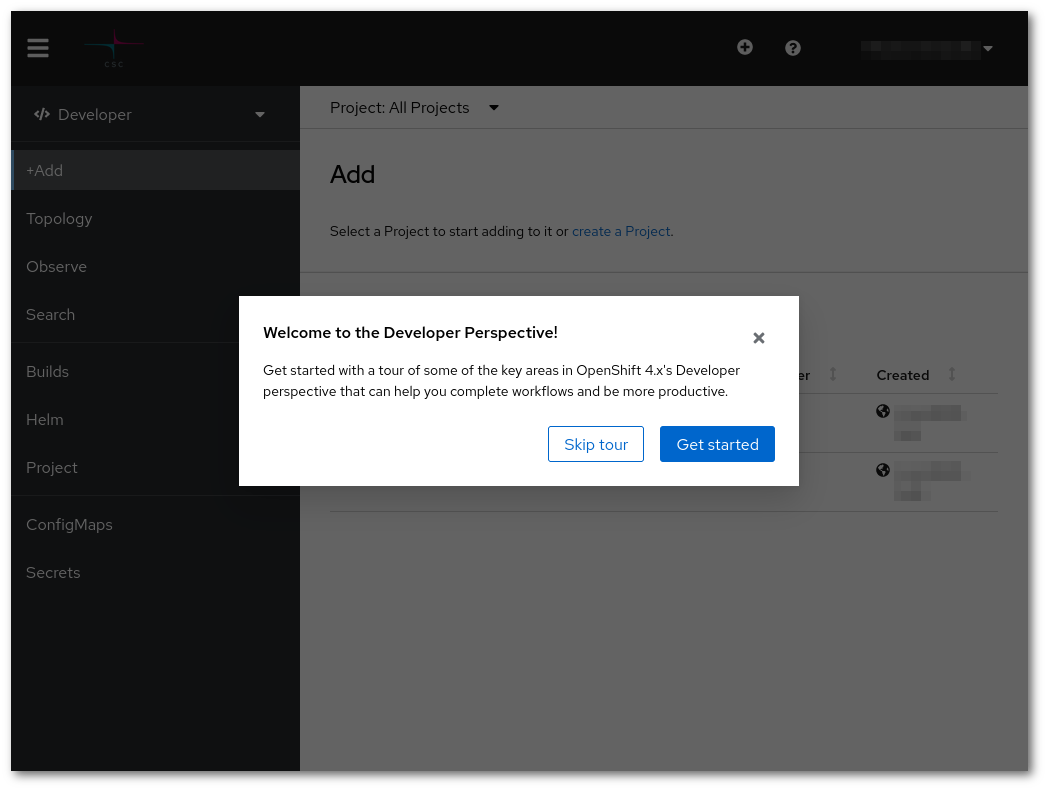
After logging in you should see a page like this:
-
Proceed to create a project for running your applications.